Work / 06 / Movlin
 Movlin
Captions · iPhone · iOS 17+ · Claude
Movlin
Movlin makes captions for short videos — TikTok, Reels, Shorts — right on your iPhone. The speech is recognized on the phone, Claude proofreads the text, and the captions are burned into the video in the font and place you choose.
Download on the App Store →Screens
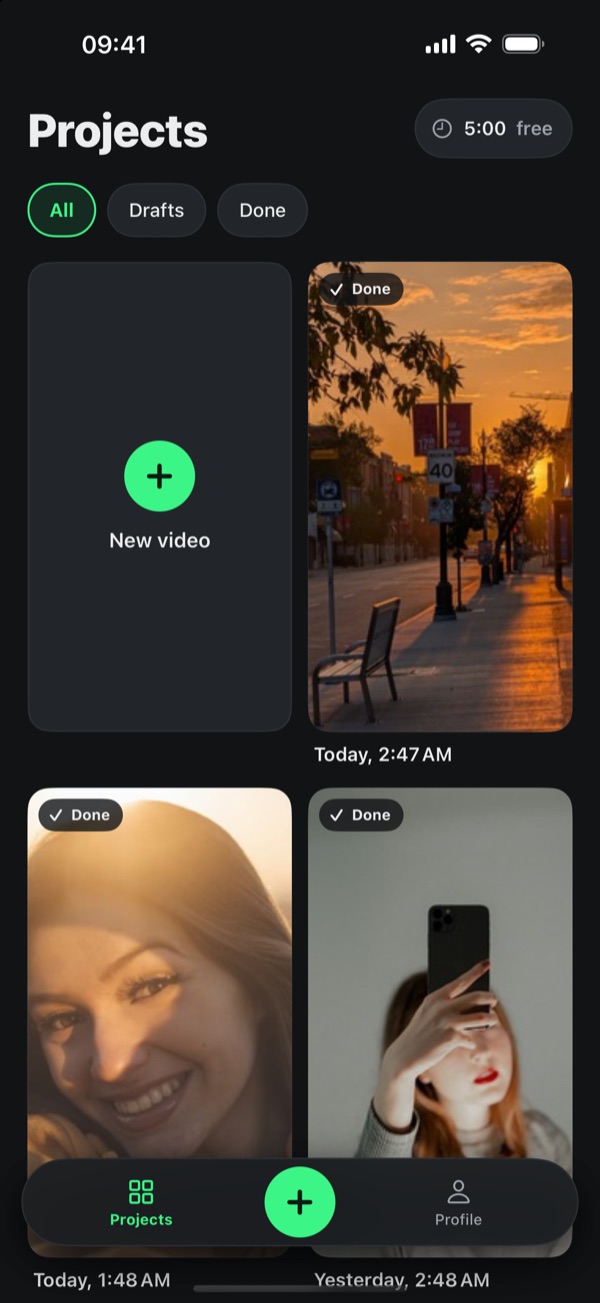
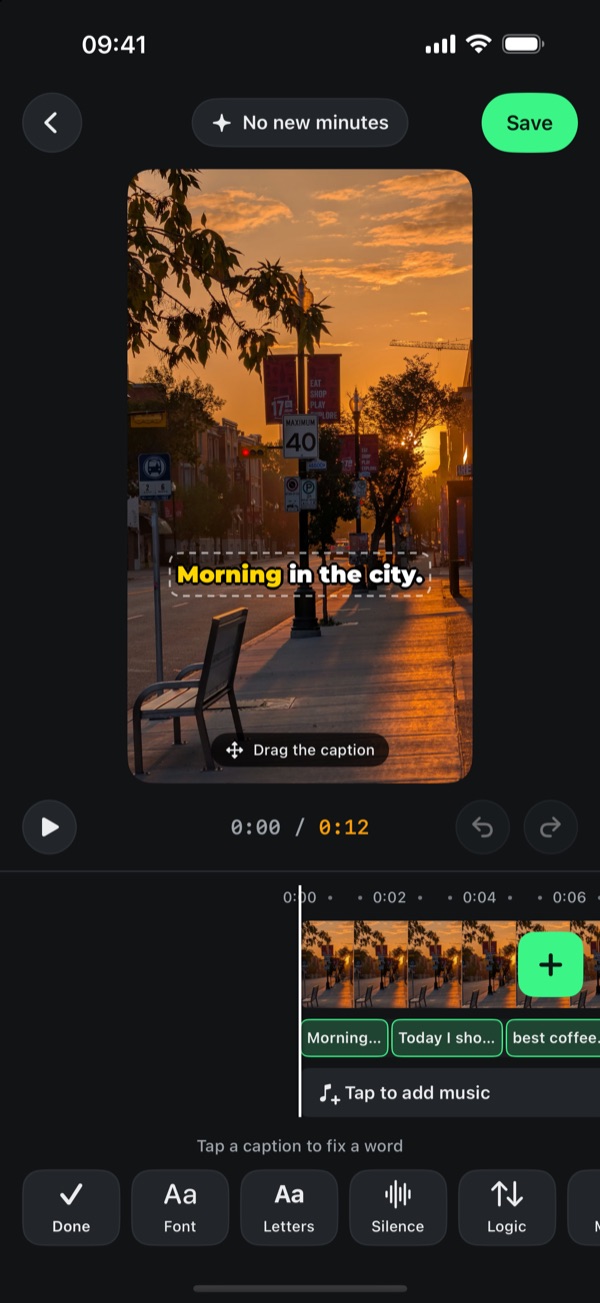
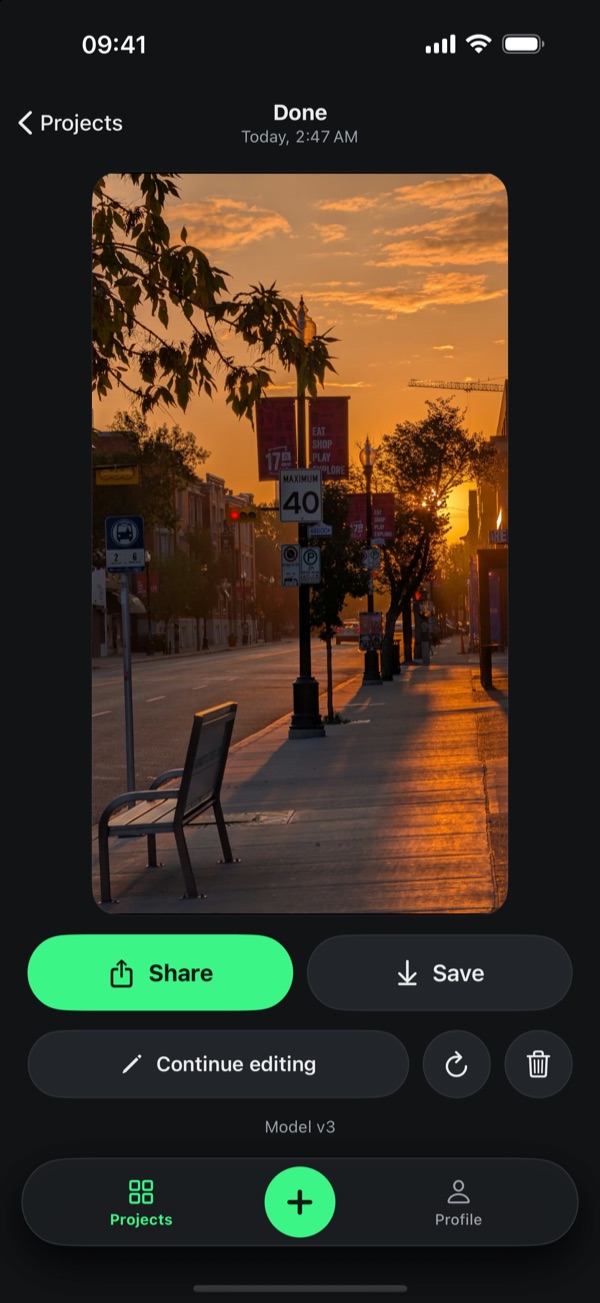
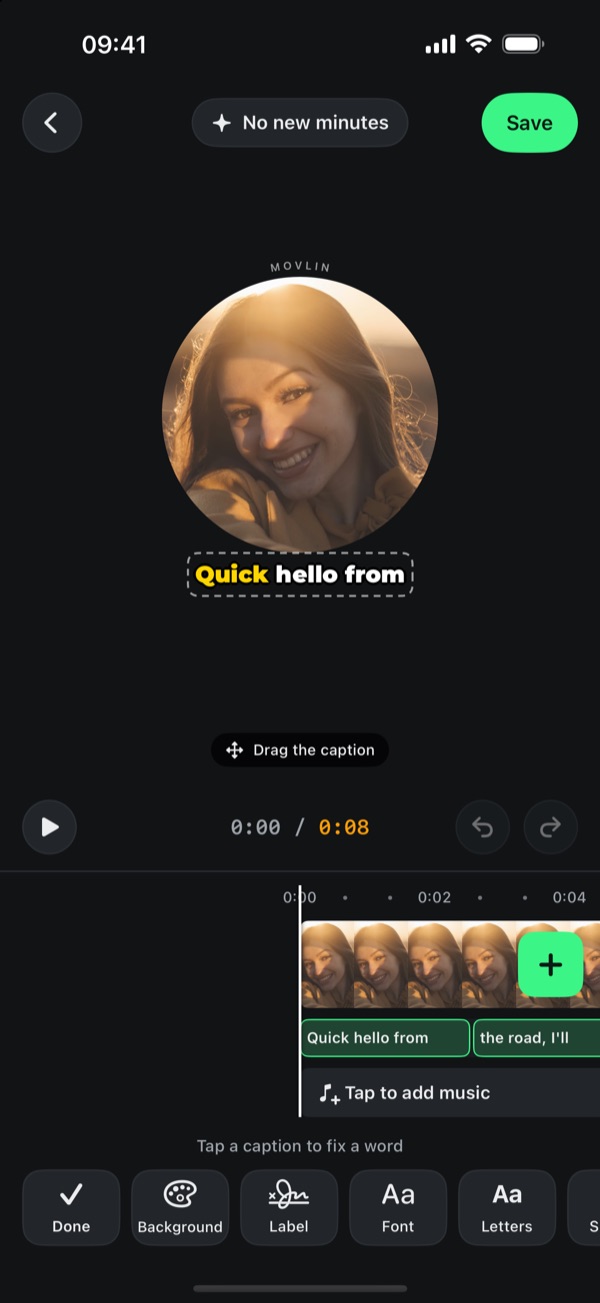
A — Movlin — Captions for short videos, right on iPhone
- 01
Captions without mistakes
Speech is recognized right on the iPhone, in 29 languages, and Claude by Anthropic proofreads every video: punctuation, names, slang. The video and the sound never leave the phone; only the caption text is sent. Norwegian, Chinese, Kazakh and Arabic need a one-time download of a speech model (about 626 MB).
- 02
Your style
Pick the font and the letter case: as spoken, UPPERCASE or lowercase. Keep the punctuation or drop it, choose how long a line stays on screen, and drag the captions to any place on the frame.
- 03
A real timeline
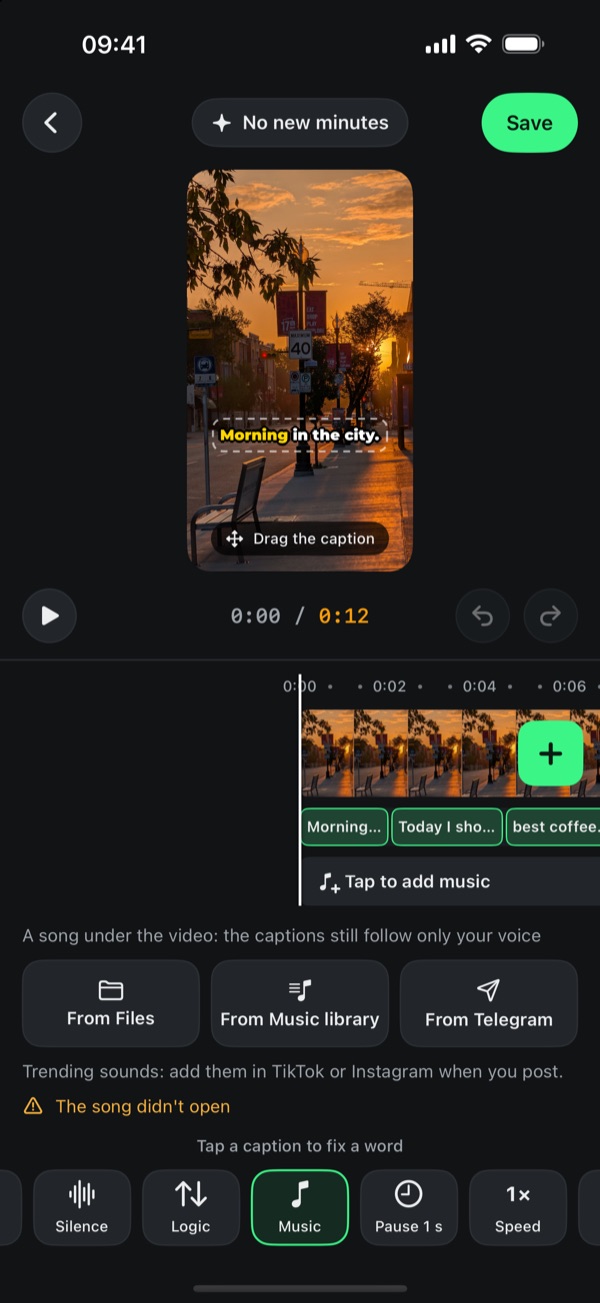
Play the video, split it, move the pieces and delete what you don't need, with undo and redo. Join several videos into one project, or speed the whole video up to 2×: the captions stay in sync and the voice keeps its pitch.
- 04
Pauses cut for you
One switch, and Claude finds the silences where nobody speaks (and, if you like, the “uh”s and “um”s) and cuts them. Montage by logic goes further: it reorders what you said so the thought flows, and leaves out repeats and false starts.
- 05
Music under your voice
Add a track from Files, your Music library or Telegram: send a song to @movlin_bot. The music and your voice each get their own volume, and the captions follow only your voice.
- 06
Telegram video notes
Send a video note to @movlin_bot and tap the link it sends back. Movlin opens it as a circle with captions under it, on the background you choose (dark, a colour, one of 120 gradients or the blurred video), with a label along the edge. Forward several at once and they open as one project.
iPhone only, iOS 17 or later. The interface is in 13 languages. Projects stay in the app, so you can come back and edit them. On the first launch the iPhone prepares the speech model once: up to a minute and a few gigabytes of free space.
- 01
Pick a video from Photos, or several to join into one. Or send a Telegram video note to @movlin_bot.
- 02
Movlin recognizes the speech on the iPhone.
- 03
Claude proofreads the caption text. Only the text is sent, never the video or the sound.
- 04
Cut on the timeline, remove silences, add music, and pick the font, the letters and the place on the frame.
- 05
Movlin burns the captions into the video. Save it to Photos or share it.
Free
5 min
The first 5 minutes of video are free, once on each iPhone.
Movlin monthly subscription
$3.99/month
50 minutes of video a month. Minutes do not carry over to the next month.
Auto-renews through Apple. Cancel anytime in your Apple ID settings, at least 24 hours before the period ends.